Sign in once. That's the setup.
Google or Apple sign-in, and Arcway finds every Mac you've paired. Flip on Self Host? to point at your own relay instead.
>_ arcway
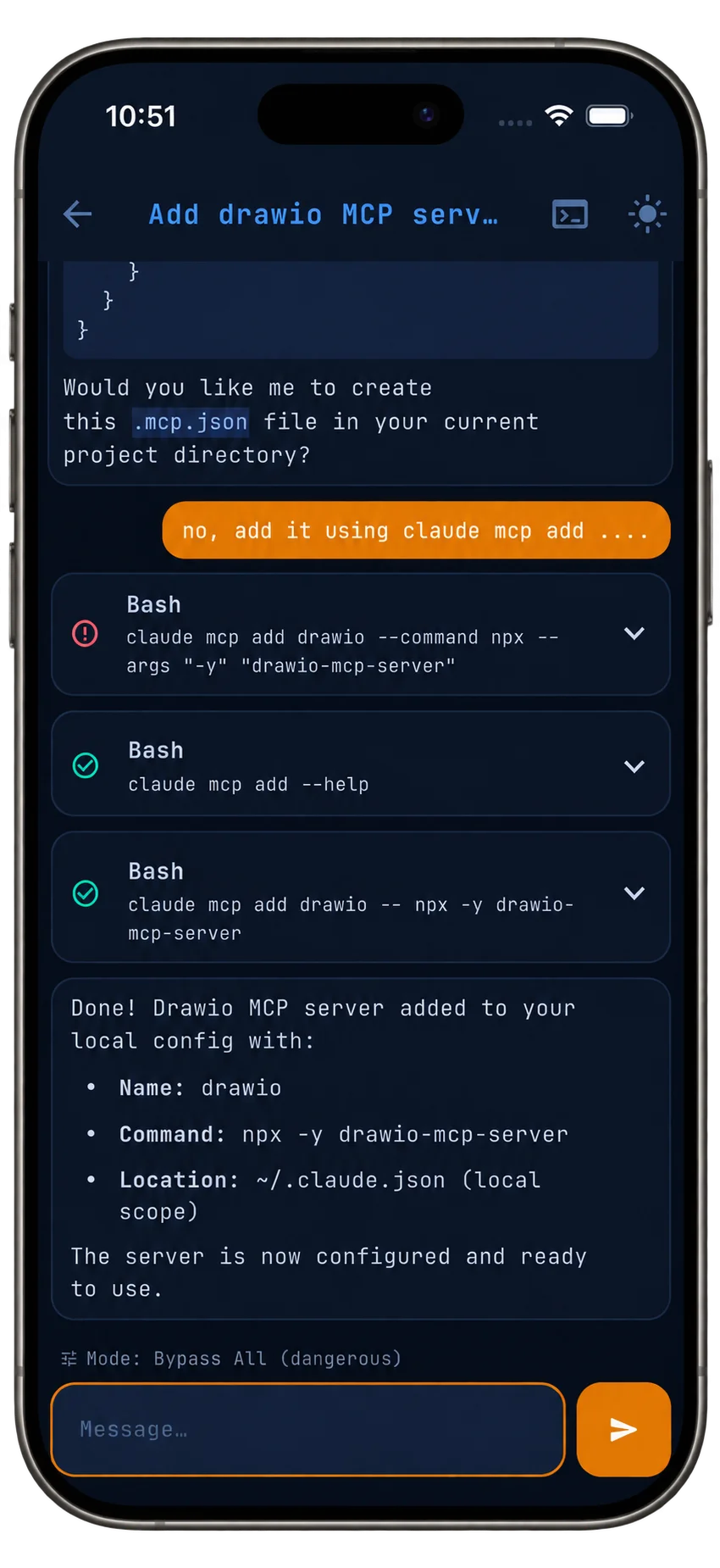
✻ Claude Code v2.1.283
Opus 5.5 · Claude Max · ~/Projects/arcway
> add the drawio MCP server
● I can create a .mcp.json in this project. Want me to?
> no, add it using claude mcp add ....
● Bash(claude mcp add drawio --command npx --args "-y" "drawio-mcp-server")
⎿ error: unknown option '--command'
● Bash(claude mcp add --help)
⎿ Usage: claude mcp add [options] <name> <command> [args...]
● Bash(claude mcp add drawio -- npx -y drawio-mcp-server)
⎿ Added stdio MCP server drawio to local config
● Done! drawio is configured in ~/.claude.json and ready to use.
>
⏵⏵ bypass permissions on
Arcway pairs your phone with a tiny menu bar app on your Mac over an end-to-end encrypted relay. Your sessions stay between you and your machine — nothing stored in between. Want full control? Run the relay yourself, free forever.
Self-host the relay →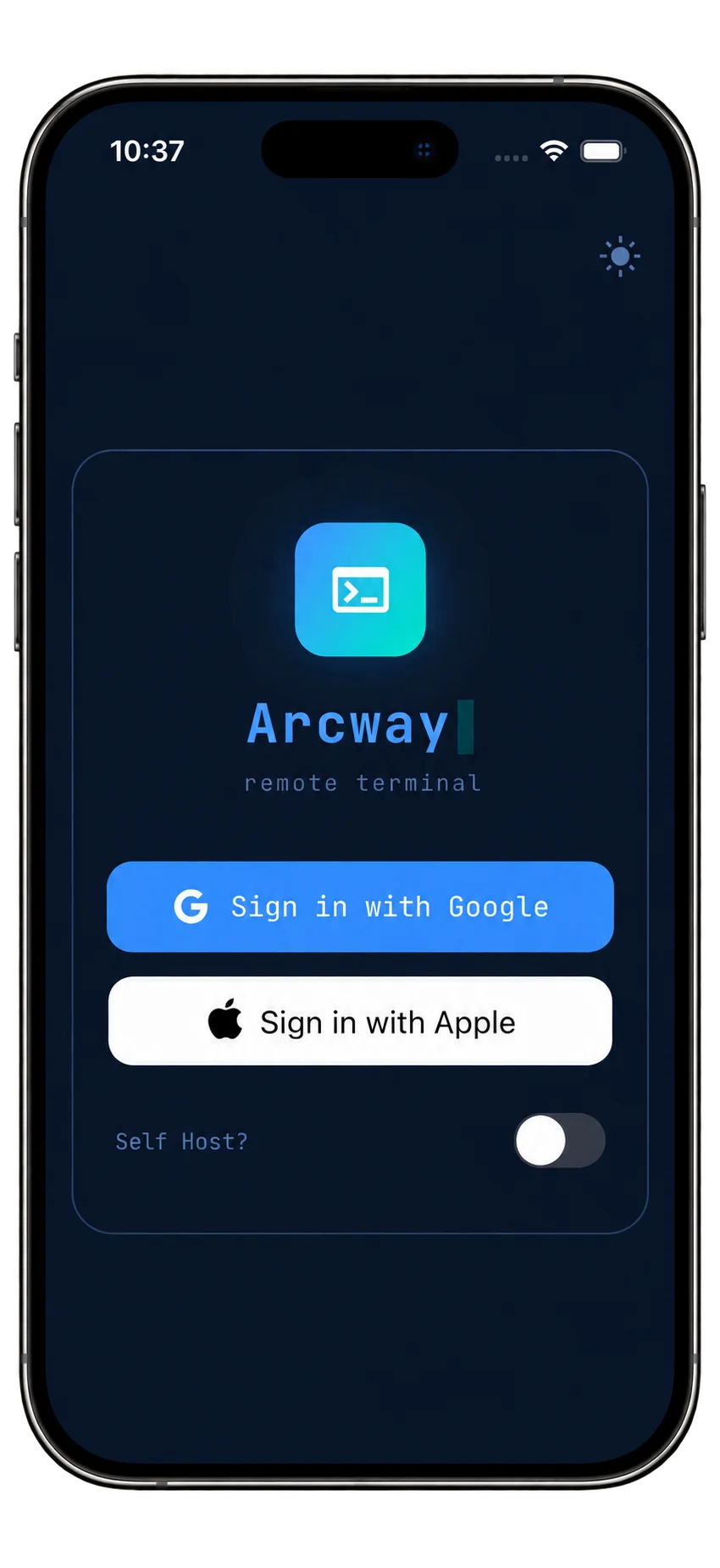
Google or Apple sign-in, and Arcway finds every Mac you've paired. Flip on Self Host? to point at your own relay instead.
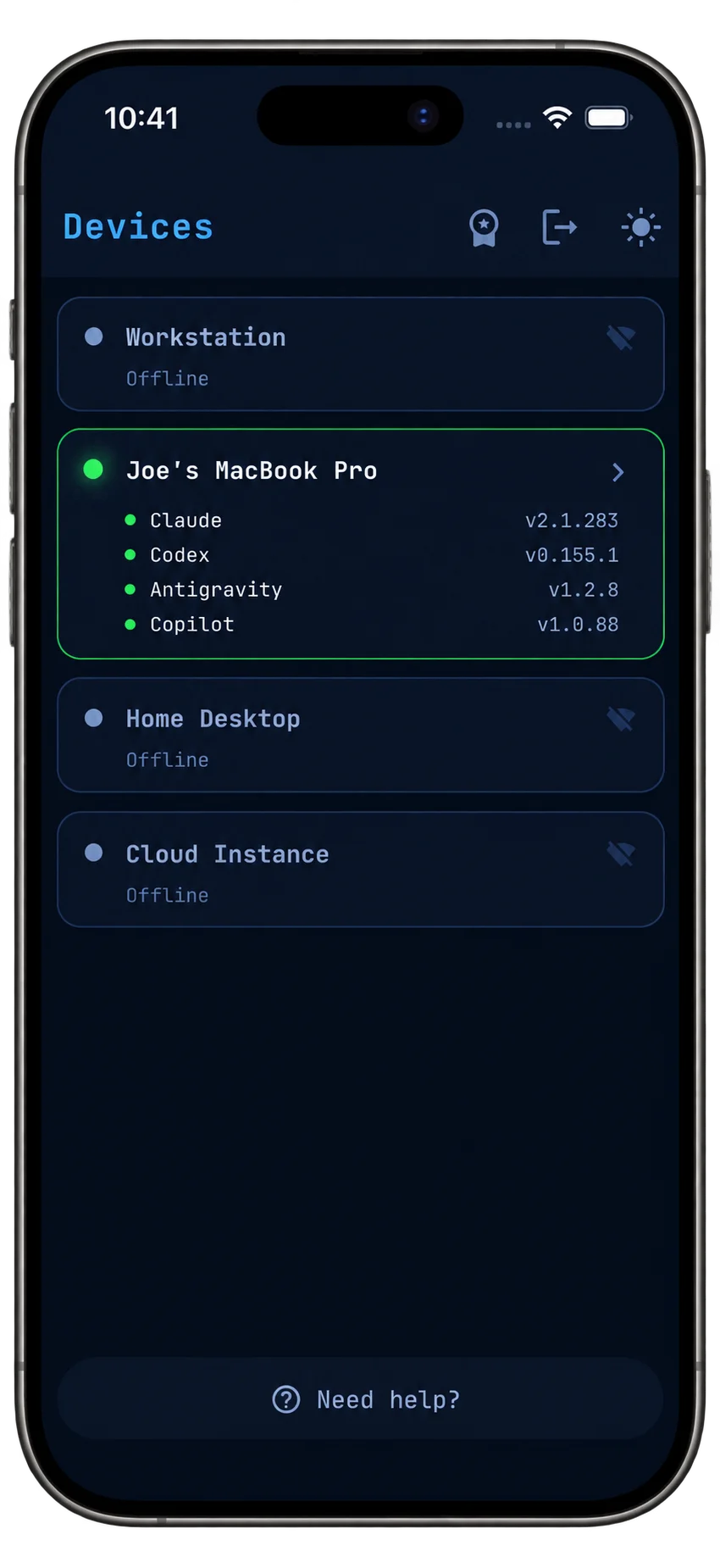
See which devices are online and which agents they have ready — Claude, Codex, Antigravity, Copilot — with versions detected automatically.
Tool calls fold into tidy cards, replies render as markdown, and a real PTY is one tap away when you need the raw terminal.
Switch permission modes on the fly. Let the agent run while you're on the train, and jump in the moment it asks.
Arcway Forever
So we made Arcway something you buy, not rent.
$0
Try it with Claude Code
$9.99one time
Buy once, use forever
$0
You host it, you own it
$ arcway ● connected
Open source. Two commands. Every Arcway feature, free forever.
$ git clone https://github.com/karthik24iyer/arcway-relay-server
$ cd arcway-relay-server
$ docker compose up -dThen toggle Self Host? in the Mac and phone apps and enter your relay URL. Needs Docker and a domain.
It gives you a live, real terminal session on your Mac from your phone, tuned for coding agents like Claude Code, Codex and Gemini — so long-running tasks don't need you at your desk.
No. Both your Mac and phone connect outbound to the relay, so it works behind NAT, corporate Wi-Fi and cellular.
Sessions are end-to-end encrypted between your phone and your Mac. The relay only forwards bytes and stores nothing.
Arcway is free for 1 host and 3 Claude Code sessions. Arcway Forever is a one-time $9.99 purchase — no subscription — that unlocks unlimited hosts and sessions, every agent, and lifetime updates. Self-hosting the relay gets you everything for free.
No. You pay once and it's yours, including future features. Already bought it? Use Restore Purchases in the app.
Voice mode, notifications, phone clipboard, a Linux host, and support for Cursor, VS Code, Windsurf and more. Forever owners get all of it.
Tell us what you'd love Arcway to do next. Add your thoughts and we'll make it happen soon.